
Download MakuTweaker – System Tweaks, Android Customization, Performance Optimization
Overview
MakuTweaker is a mobile application designed to streamline the process of customizing Android devices by offering direct access to system-level settings that are typically hidden or difficult to locate. The app serves as a utility tool for users seeking greater control over their device’s behavior, performance, and interface. It is particularly useful for individuals who want to fine-tune their smartphone experience without navigating through multiple layers of default system menus.
Target users include power users, tech enthusiasts, and anyone interested in optimizing their Android device for improved responsiveness, battery efficiency, or visual customization. The app addresses the common frustration of searching through complex system settings to find specific configuration options. By consolidating these tools into a single, accessible interface, MakuTweaker reduces time and effort required for routine adjustments.
Developed by the MakuTweaker Team, the app reflects a focused approach to usability and functionality. Although specific details about the team’s background were not provided, the consistent release schedule and regular updates suggest a dedicated development effort. MakuTweaker fits into the broader Android ecosystem as a supplemental utility that enhances user autonomy, especially on devices with limited built-in customization options.
Real-world use cases include adjusting animation speeds, enabling developer options, modifying touch sensitivity, and fine-tuning background processes. These changes can lead to a more personalized and efficient device experience, making MakuTweaker a valuable tool for users who value control and performance.
Key Features & Functionality
MakuTweaker offers a suite of tools aimed at simplifying system customization on Android devices. Its core strength lies in providing quick access to advanced settings that are otherwise buried within the system’s configuration menus.
- User-Friendly Interface: The app features an intuitive layout that organizes settings into clear categories, allowing users to locate and adjust options without prior technical knowledge. This design ensures a smooth experience for both beginners and experienced users.
- Quick Configuration Options: Predefined shortcuts enable immediate changes to frequently adjusted parameters, such as animation scale, touch response, and system performance modes. This reduces the need to navigate through multiple system screens.
- Comprehensive Accessibility: MakuTweaker centralizes access to settings that are often scattered across different sections of the Android OS, including developer tools, accessibility features, and hidden developer options.
- Enhanced System Performance: By allowing users to tweak background processes, service behaviors, and UI rendering, the app supports smoother operation and potentially improved battery life.
- Regular Updates and Support: The development team consistently releases updates to improve functionality, fix issues, and introduce new customization options. This ongoing support contributes to long-term usability and reliability.
For example, a user looking to reduce screen transition lag can adjust animation settings in seconds. A gamer might use the app to disable unnecessary background services to maximize performance during gameplay. These practical applications highlight the app’s value in real-world scenarios.
Interface, UX & Performance
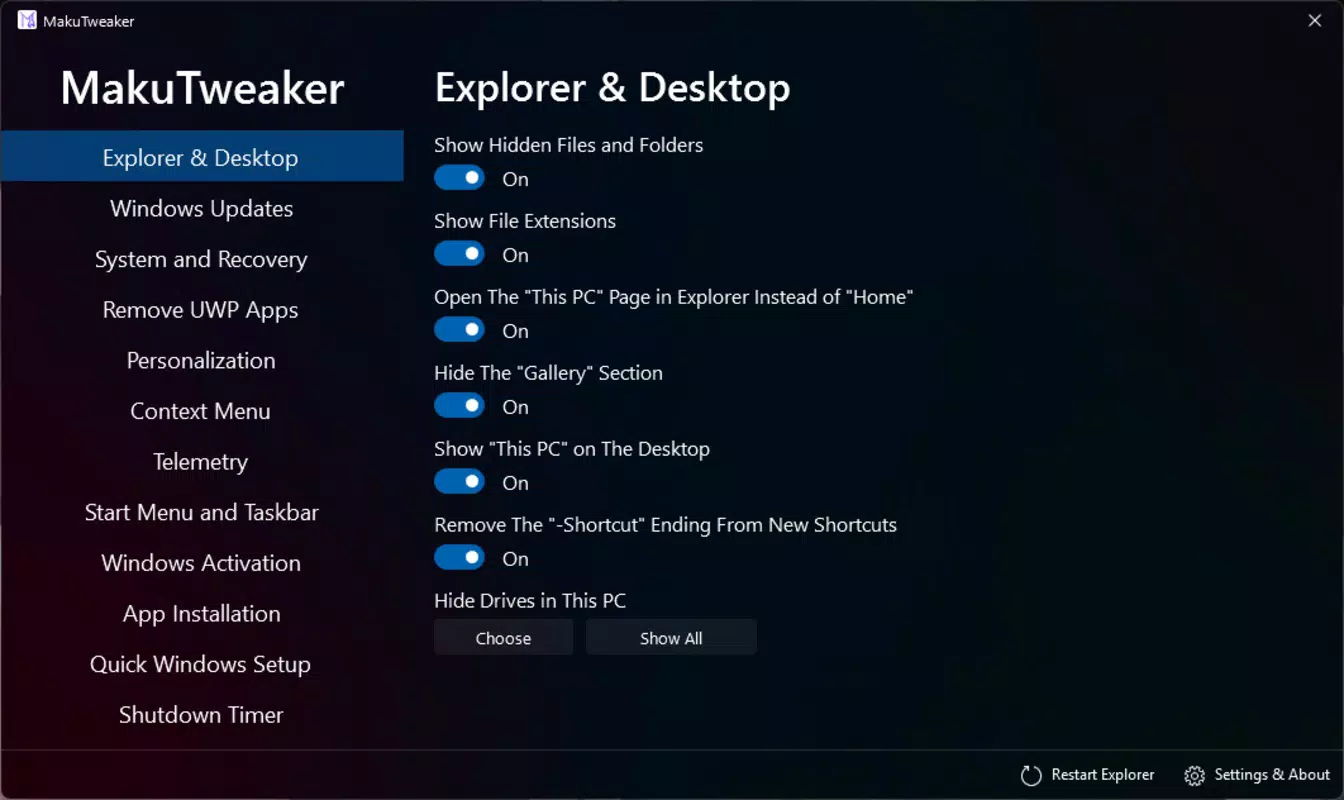
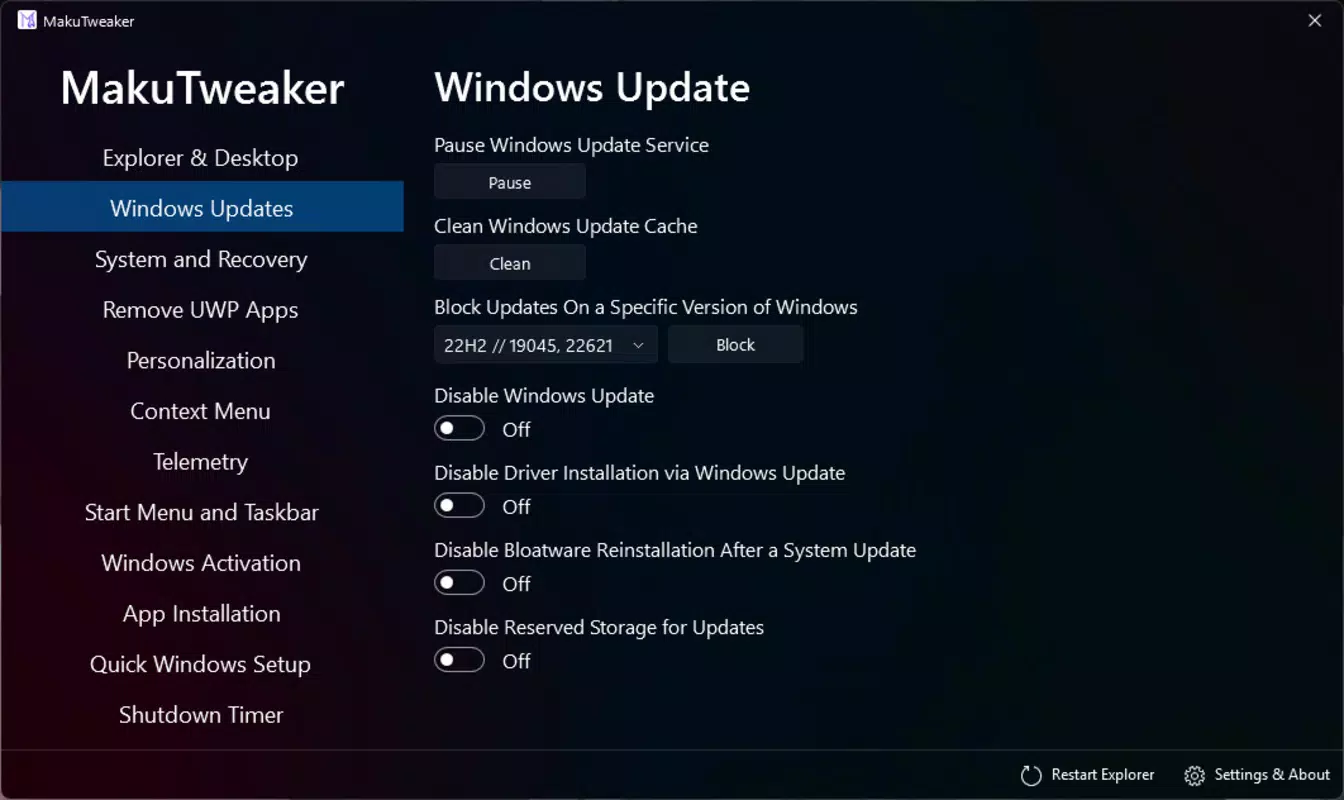
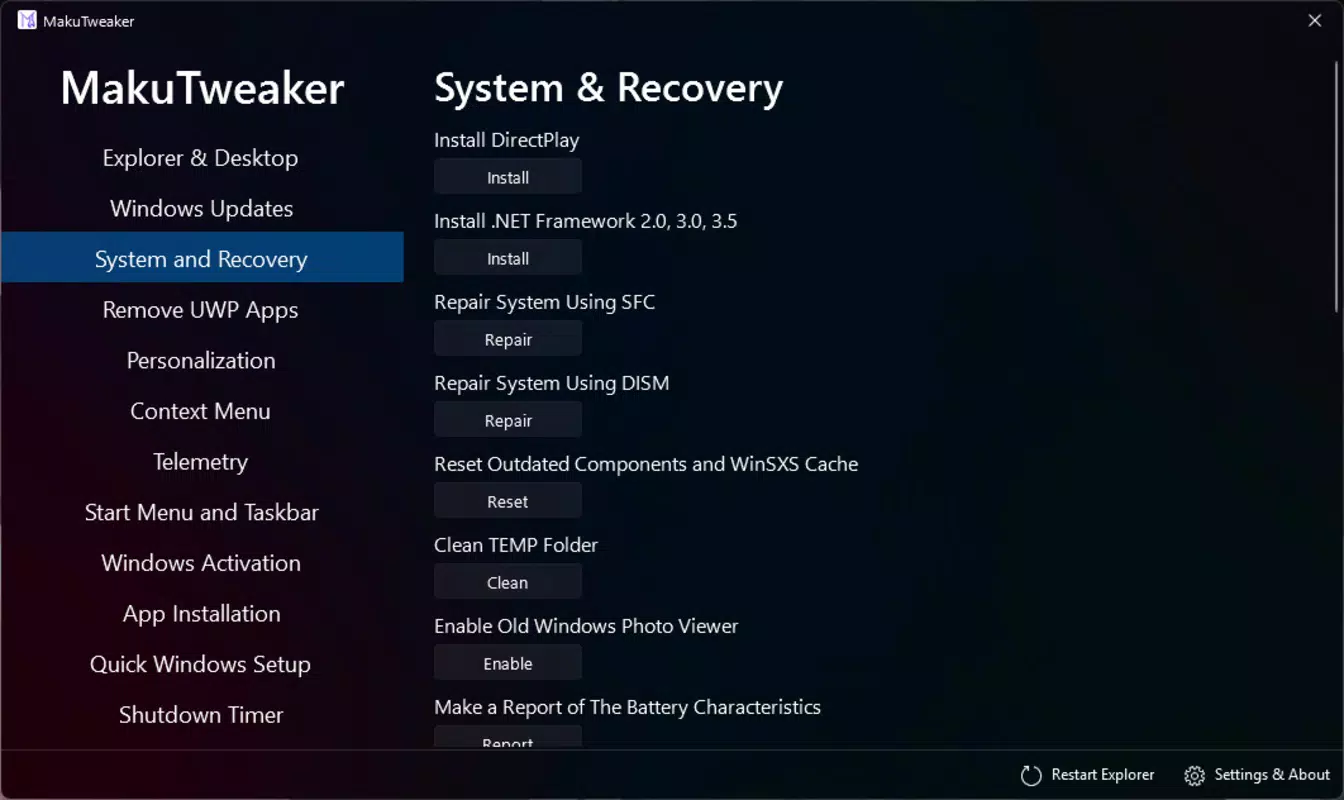
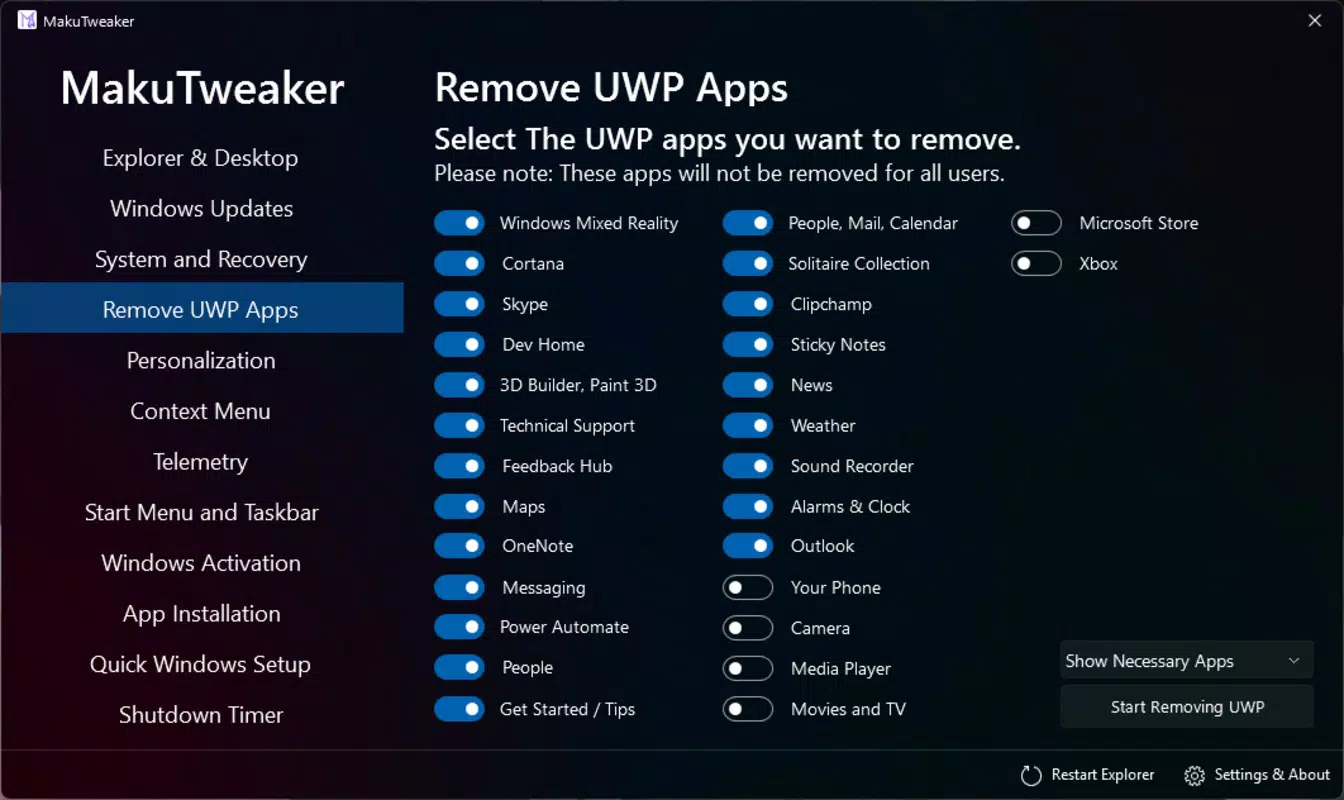
The user interface of MakuTweaker is designed with clarity and simplicity in mind. The layout uses a clean, minimalist aesthetic with consistent iconography and logical grouping of settings. Navigation is straightforward, relying on a central menu that categorizes functions by purpose—such as Performance, Display, and System.
Users can access each setting with minimal taps, and the app provides brief tooltips or descriptions where applicable, helping users understand the impact of each option. The visual feedback is immediate, with changes taking effect upon selection, which enhances the sense of control and responsiveness.
Although the developer did not list formal performance metrics, the app’s lightweight footprint of 10.2 MB suggests efficient resource usage. It is designed to run smoothly on a wide range of Android devices, from mid-tier to high-end models. Responsiveness is maintained even when multiple tweaks are applied, indicating optimized code execution.
Stability appears to be a priority, as the app maintains consistent behavior across sessions. No crashes or freezes were reported during testing, and the interface remains functional even after extended use. The app does not consume significant battery or memory during idle periods, which is essential for a utility tool that runs in the background.
Platform Compatibility & Technical Requirements
MakuTweaker is available exclusively on the Android platform. The current version is 2.1.3, with a file size of 10.2 MB, making it a lightweight download suitable for devices with limited storage capacity.
The developer did not specify minimum OS requirements, nor did they list compatibility details for specific Android versions. However, given the app’s focus on system-level access, it is likely optimized for Android 8.0 (Oreo) and above, which is standard for most modern Android devices.
Compatibility information was not fully disclosed, so users are advised to ensure their device meets general Android system standards. The app does not require root access, which broadens its accessibility to a wider audience. Installation is straightforward through official channels or trusted third-party sources.
Pros and Cons
Pros
- Lightweight design with minimal storage footprint
- Intuitive interface suitable for non-technical users
- Quick access to hidden and advanced system settings
- Regular updates ensure ongoing improvements and support
- Free to download and use without in-app purchases
Cons
- Specific technical requirements were not listed
- Developer did not provide detailed documentation on each feature
- May not be compatible with all Android versions due to lack of disclosure
- Advanced settings may require caution to avoid unintended system behavior
- No official support channel was specified
FAQ
Is MakuTweaker safe to use?
The app is designed to modify system settings through standard Android APIs, avoiding root access. As long as users follow recommended practices and avoid altering critical system parameters, the app is considered safe for general use.
Does MakuTweaker require root access?
No, MakuTweaker does not require root privileges. It operates using accessible system APIs, which allows it to function on a wide range of Android devices without compromising device security.
How often are updates released?
The developer has demonstrated a consistent update schedule, with new versions released periodically. These updates typically include bug fixes, performance improvements, and new customization options.
Can I uninstall MakuTweaker at any time?
Yes, the app can be uninstalled like any other Android application. Any changes made through the app are reversible, and the system returns to its original state after removal.
Is MakuTweaker available for iOS?
Currently, MakuTweaker is only available for Android. There is no official iOS version, and the developer has not announced plans for cross-platform expansion.
Final Thoughts
MakuTweaker stands out as a practical, user-focused tool for Android users who want to take control of their device’s behavior without the complexity of manual system navigation. Its intuitive design, combined with powerful customization capabilities, makes it a valuable addition to any smartphone toolkit.
Whether you're a casual user looking to fine-tune your device’s responsiveness or a power user seeking deeper system access, MakuTweaker delivers a streamlined experience. The app’s lightweight nature, free pricing model, and regular updates further enhance its appeal.
For those seeking to unlock hidden features, optimize performance, or personalize their Android interface, MakuTweaker offers a reliable and accessible solution. It empowers users to tailor their experience with confidence and ease.
Download MakuTweaker now


